

AI vector design tool · Mac

Beautiful by AI.
Editable by you.

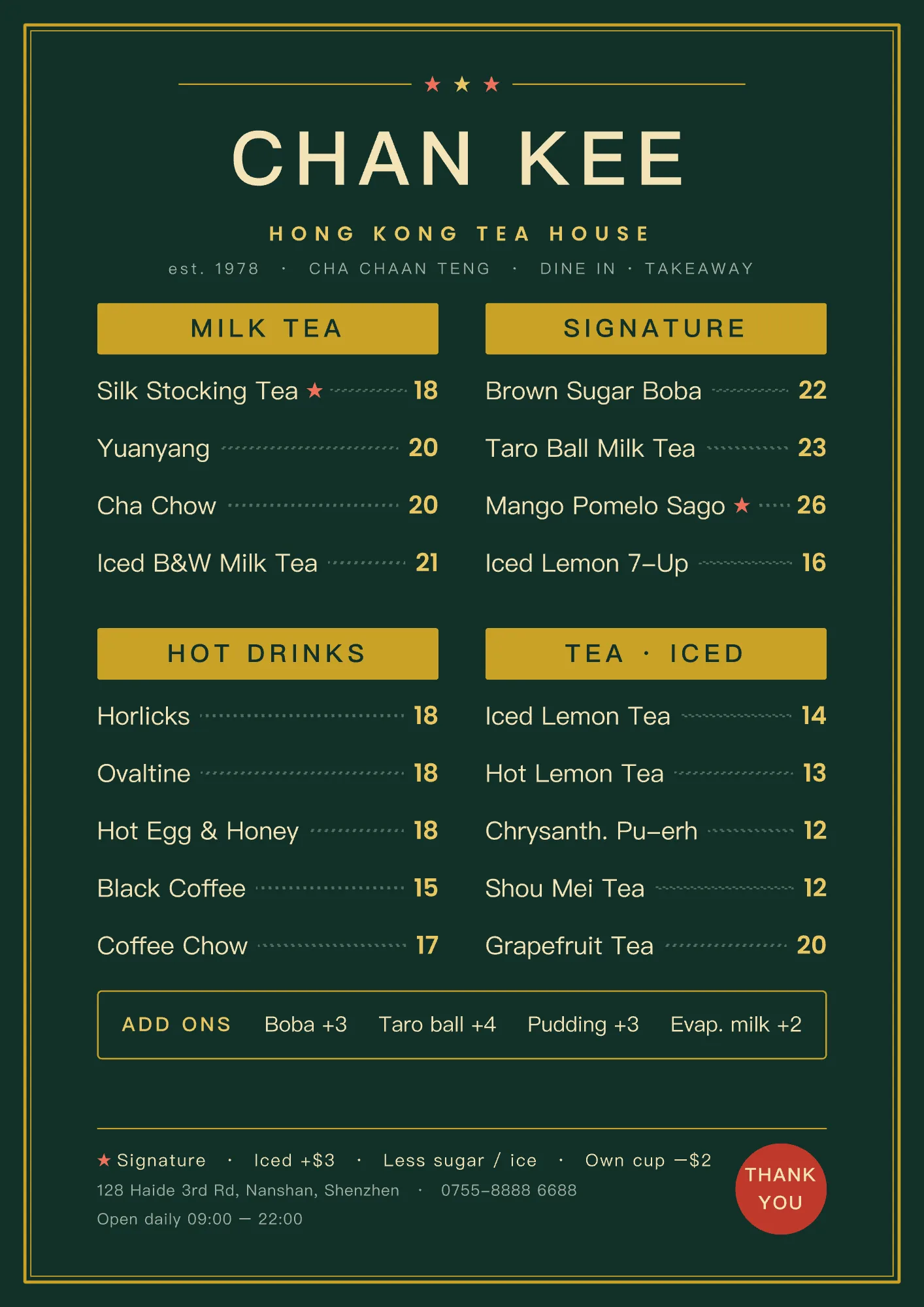
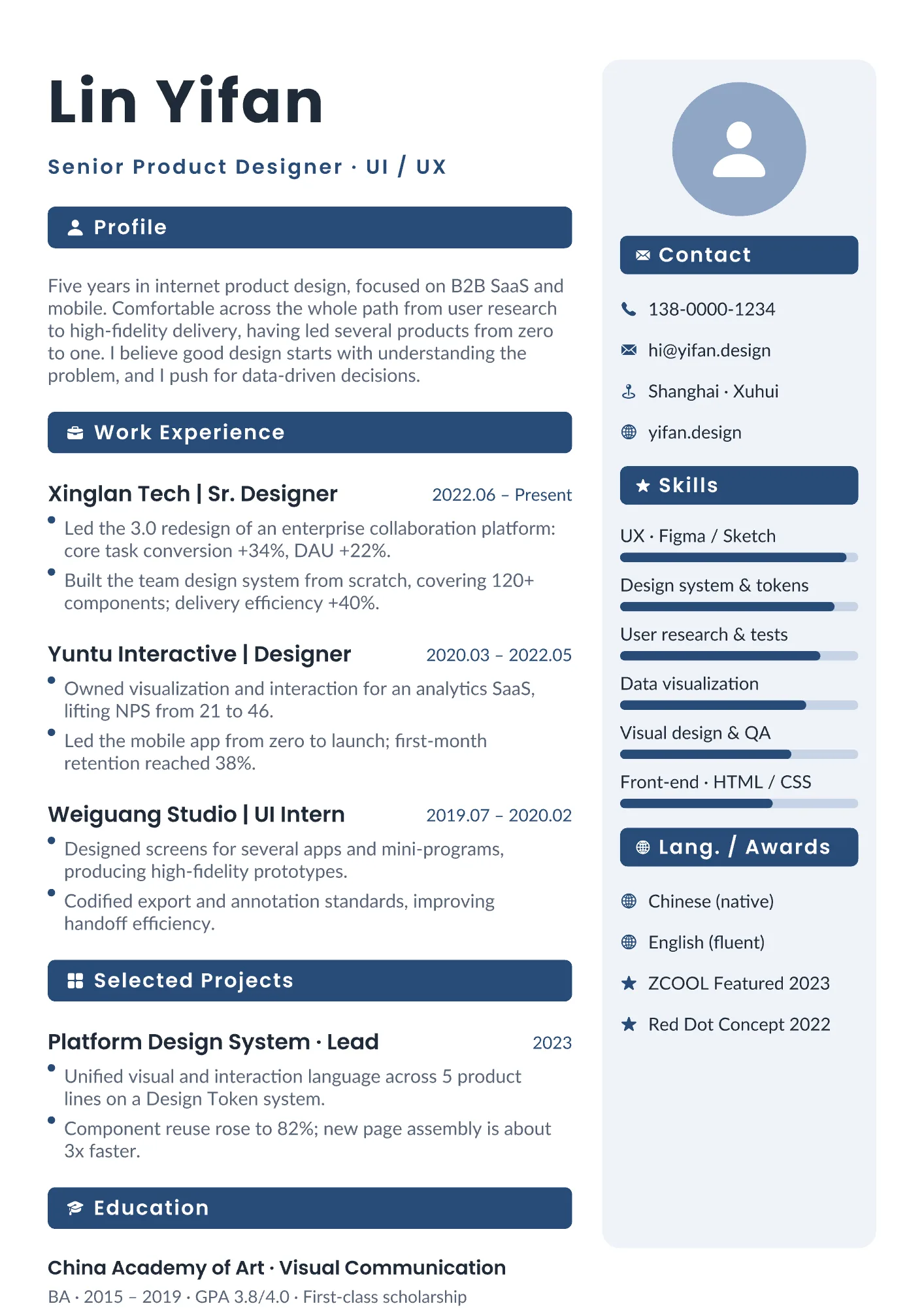
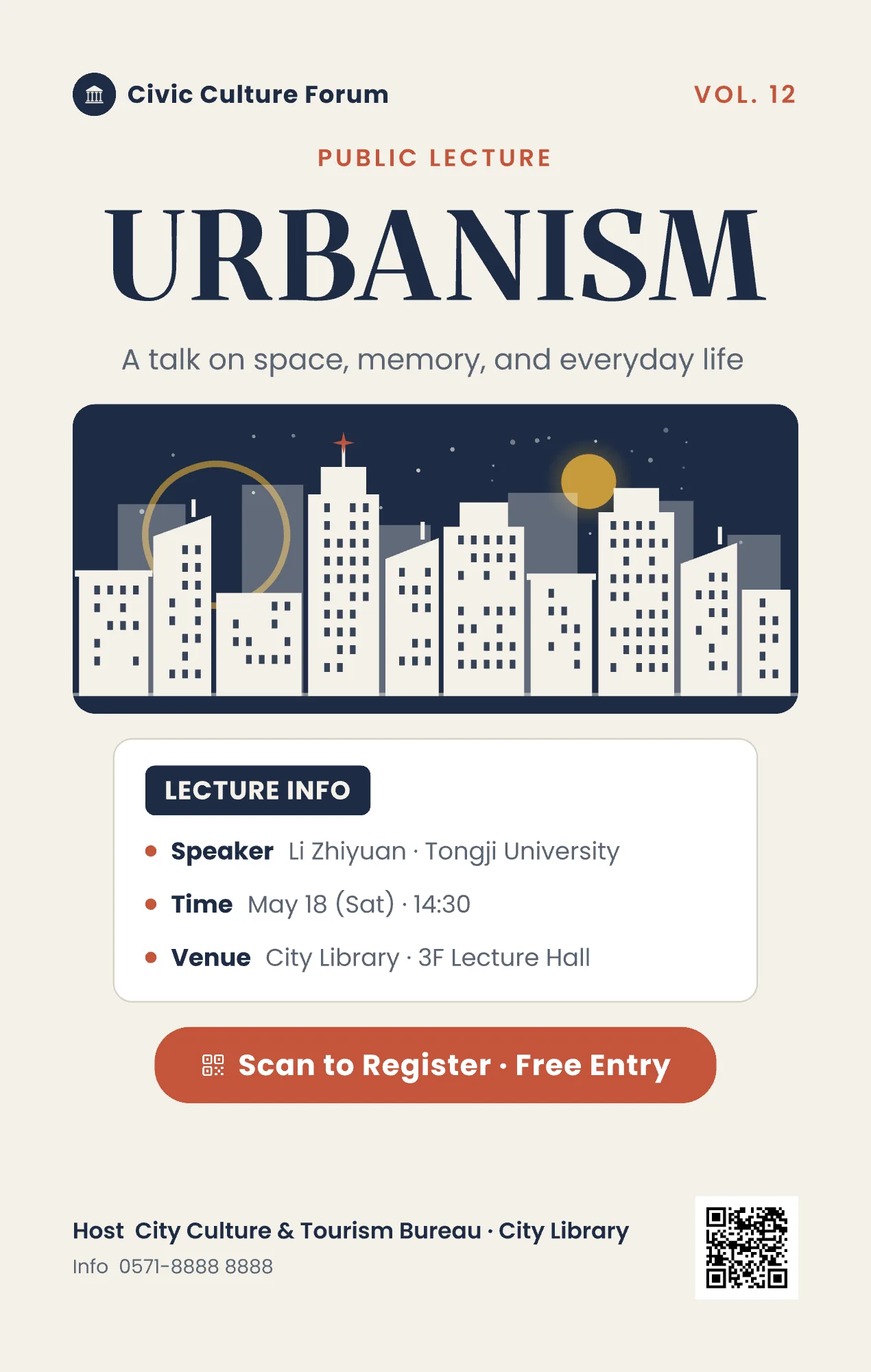
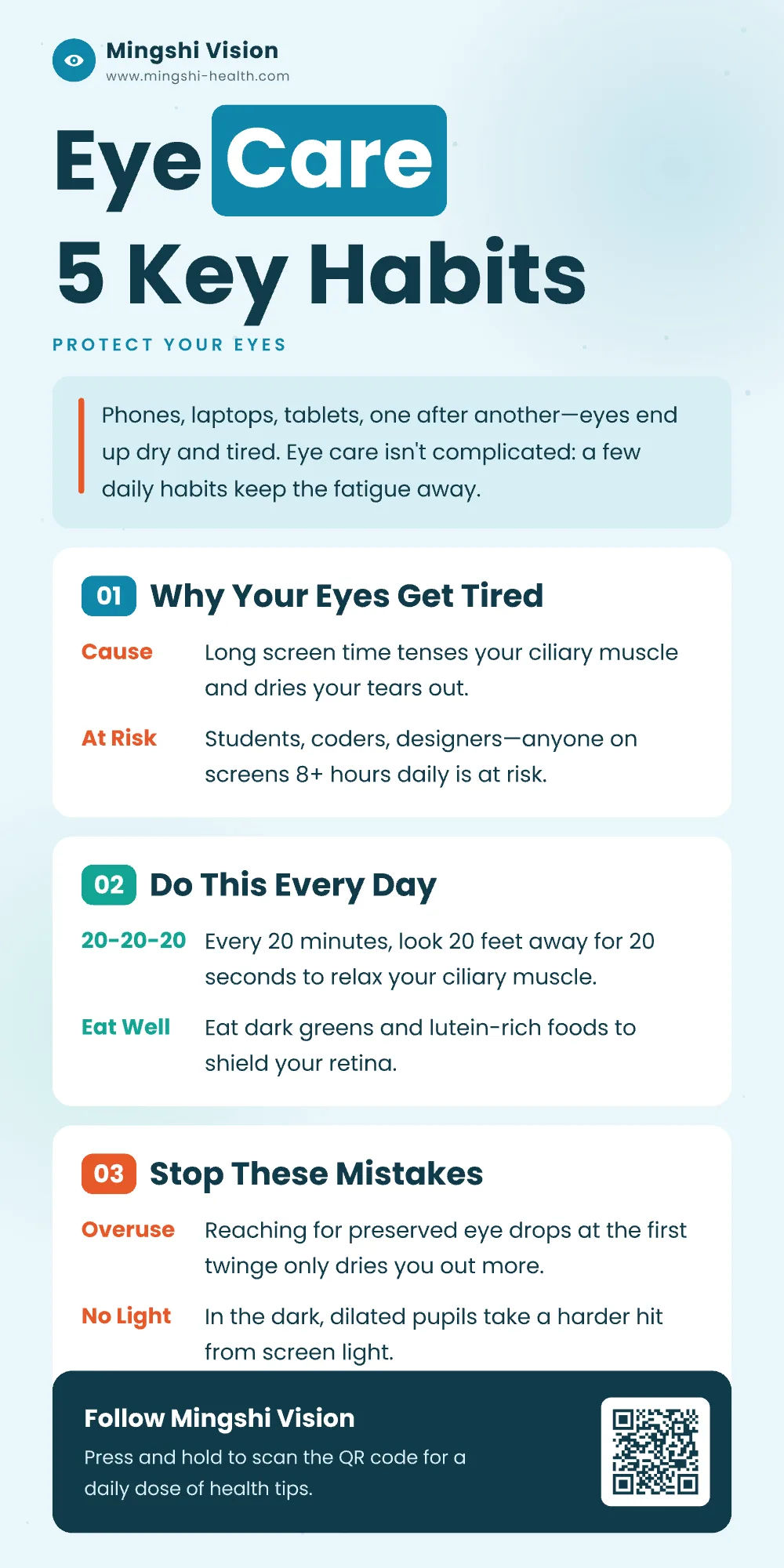
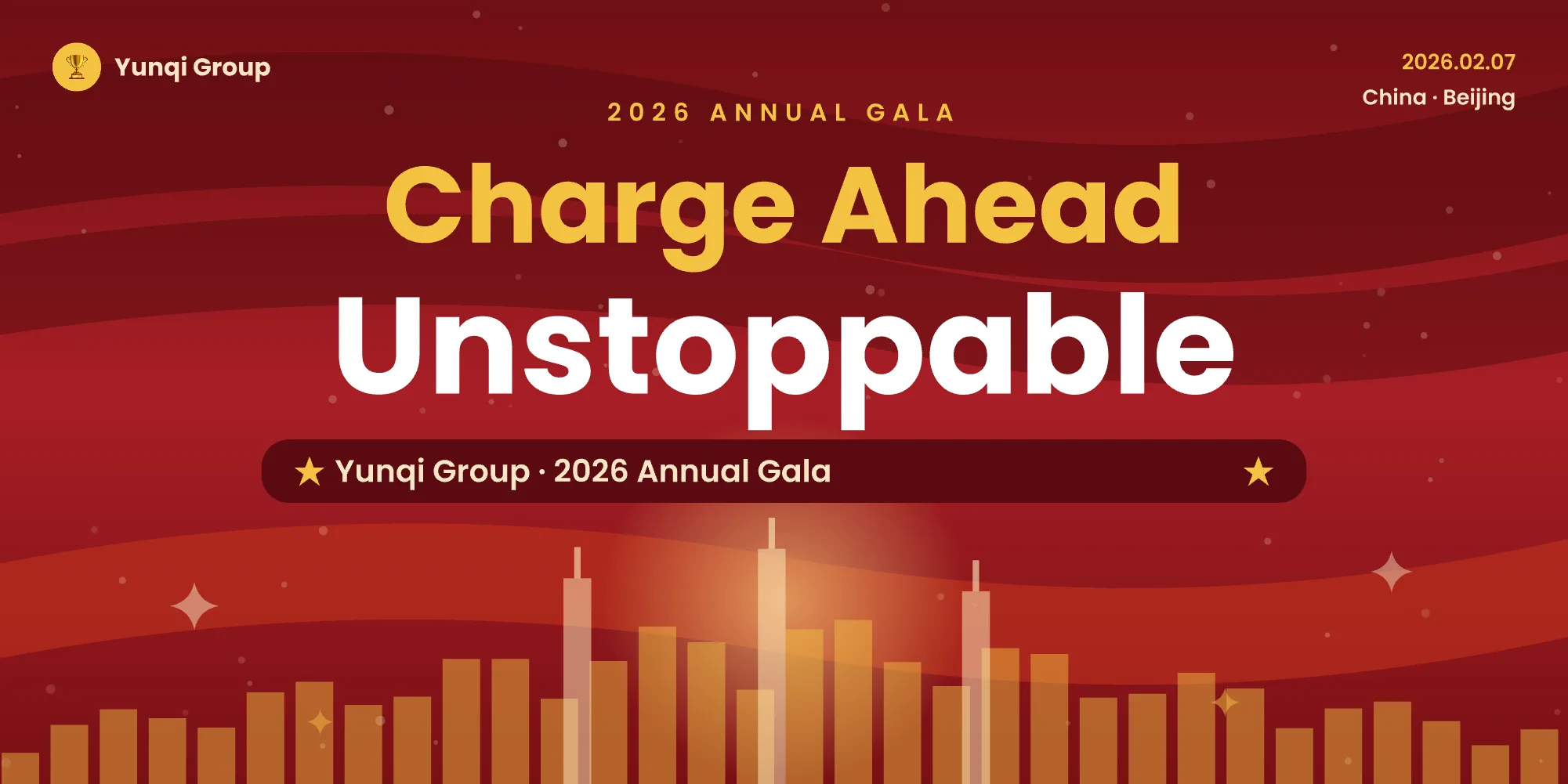
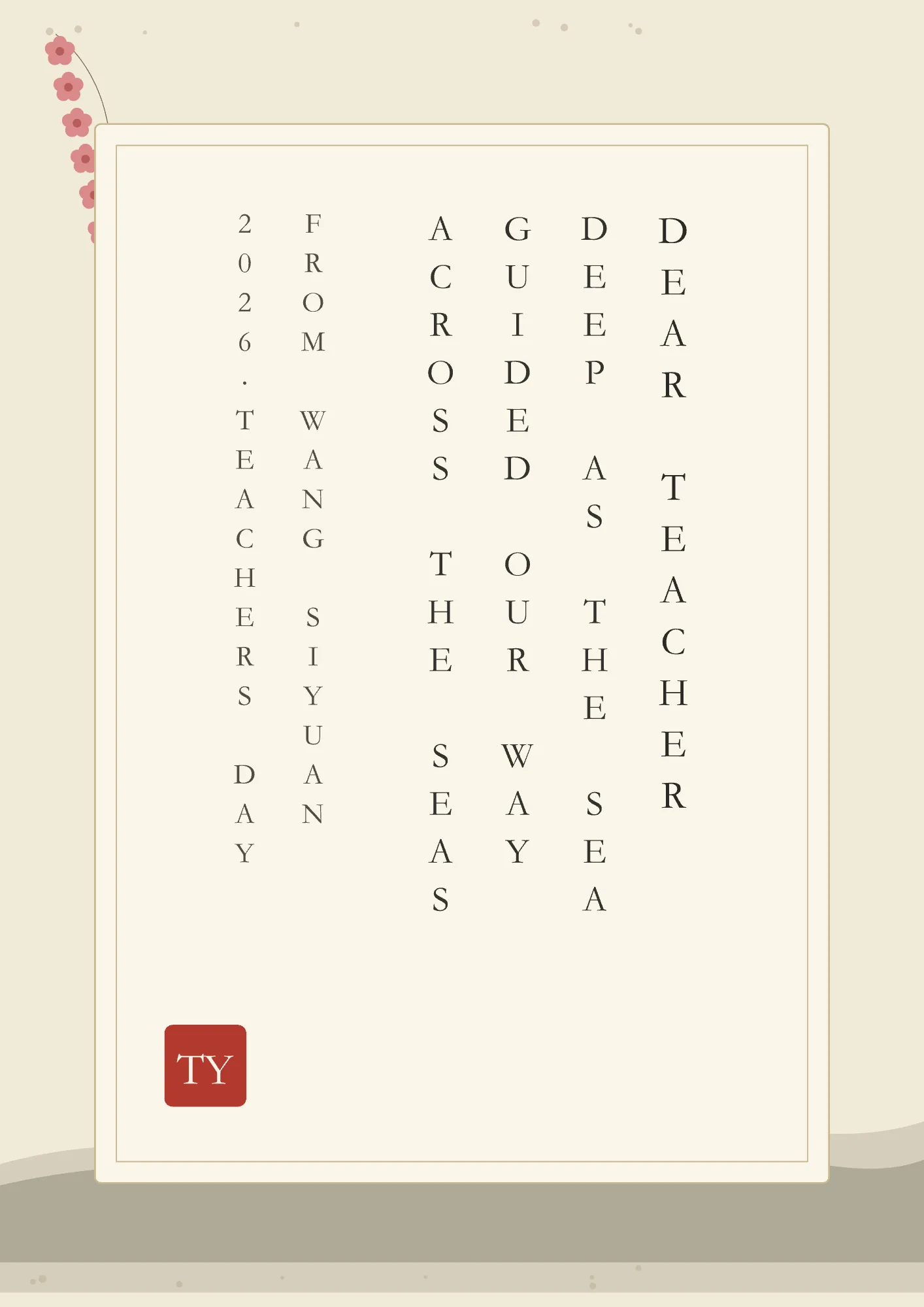
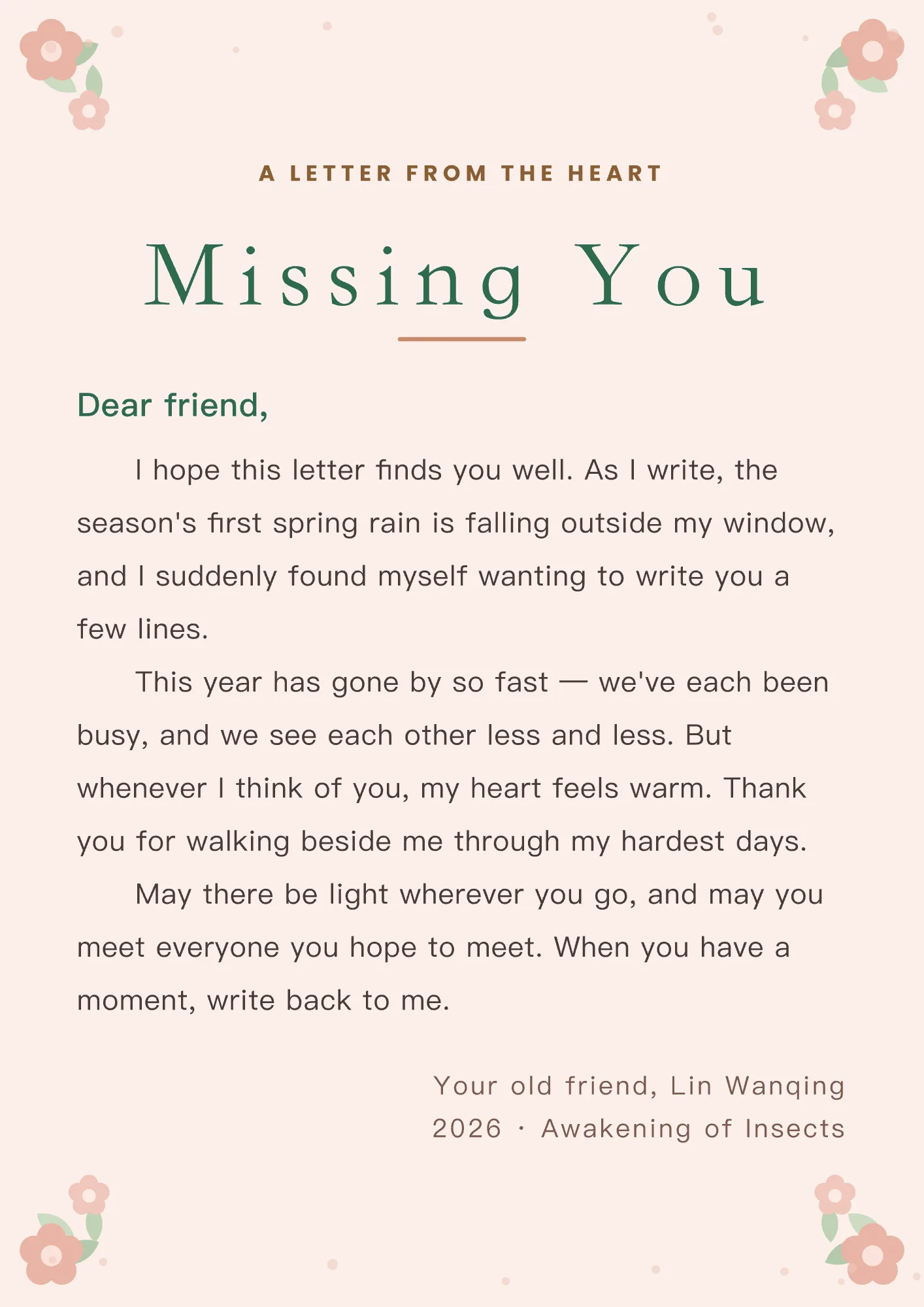
VectorShop's design-savvy AI generates polished, ready-to-use designs — not rough drafts, not flat pictures, but vector documents you can keep adjusting: every word rewritable, every color swappable, every element movable.

01Pain point

AI generates fast. So why is editing so painful?

A picture you can't touch

  • Want different wording? The layers won't split.
  • Need another size? The layout falls apart.
  • One small tweak means re-rolling the whole image.

A design that keeps up

  • Edit text directly — layers stay separate.
  • Switch sizes and the layout reflows.
  • Tweak by hand, or tell the AI and let it rearrange.
02Features

Four highlights

1

Design by chatting — and keep editing after

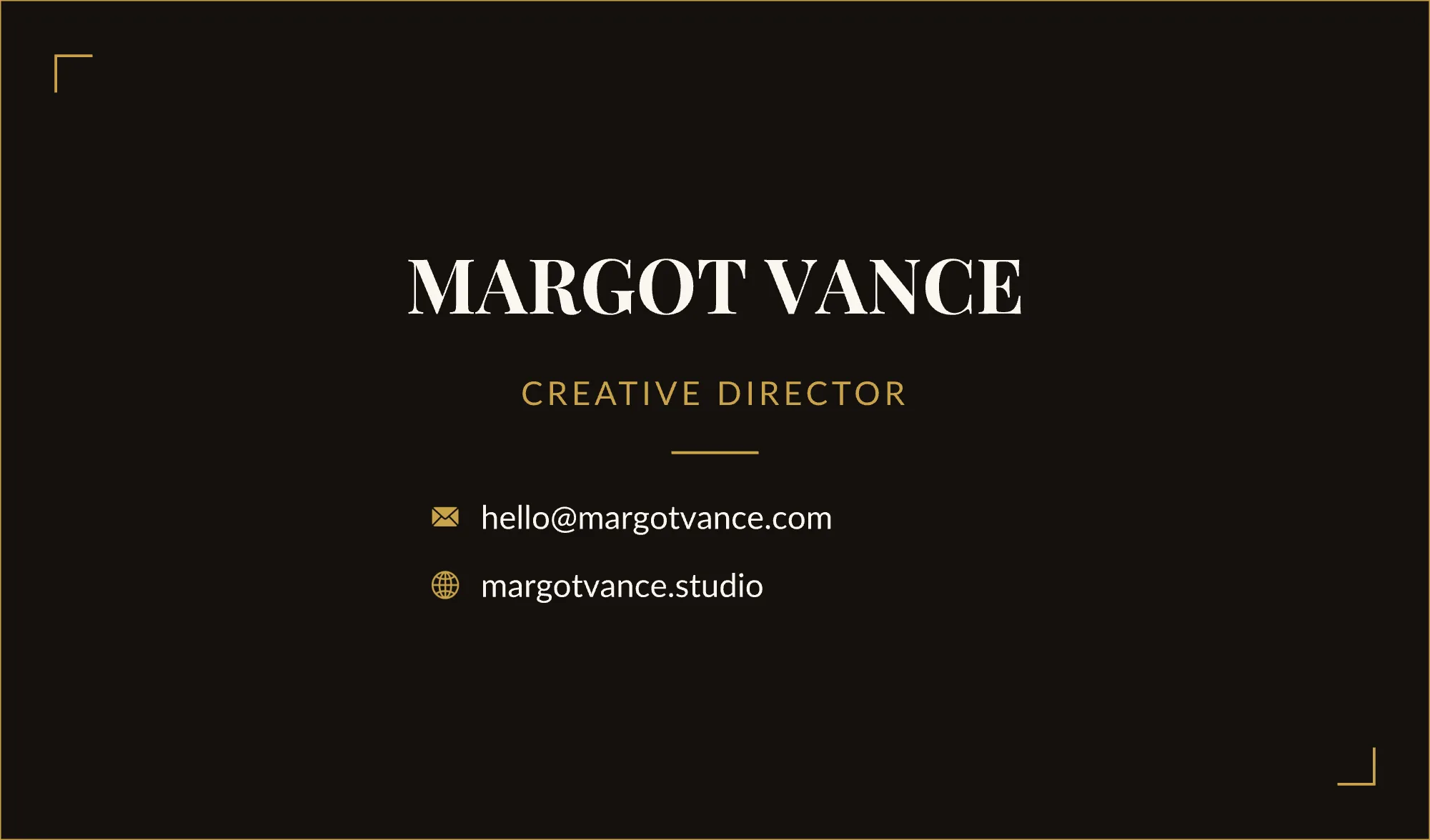
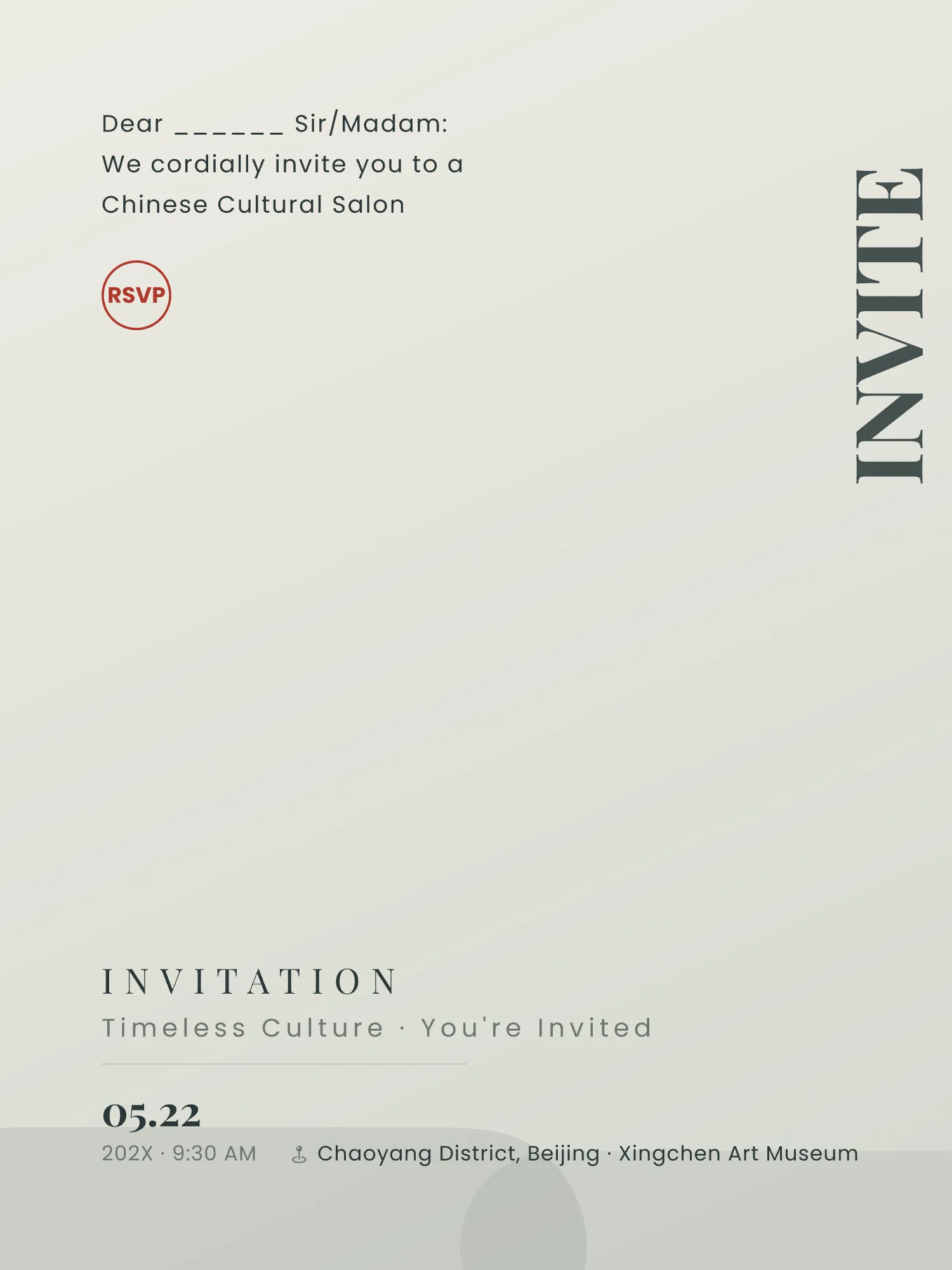
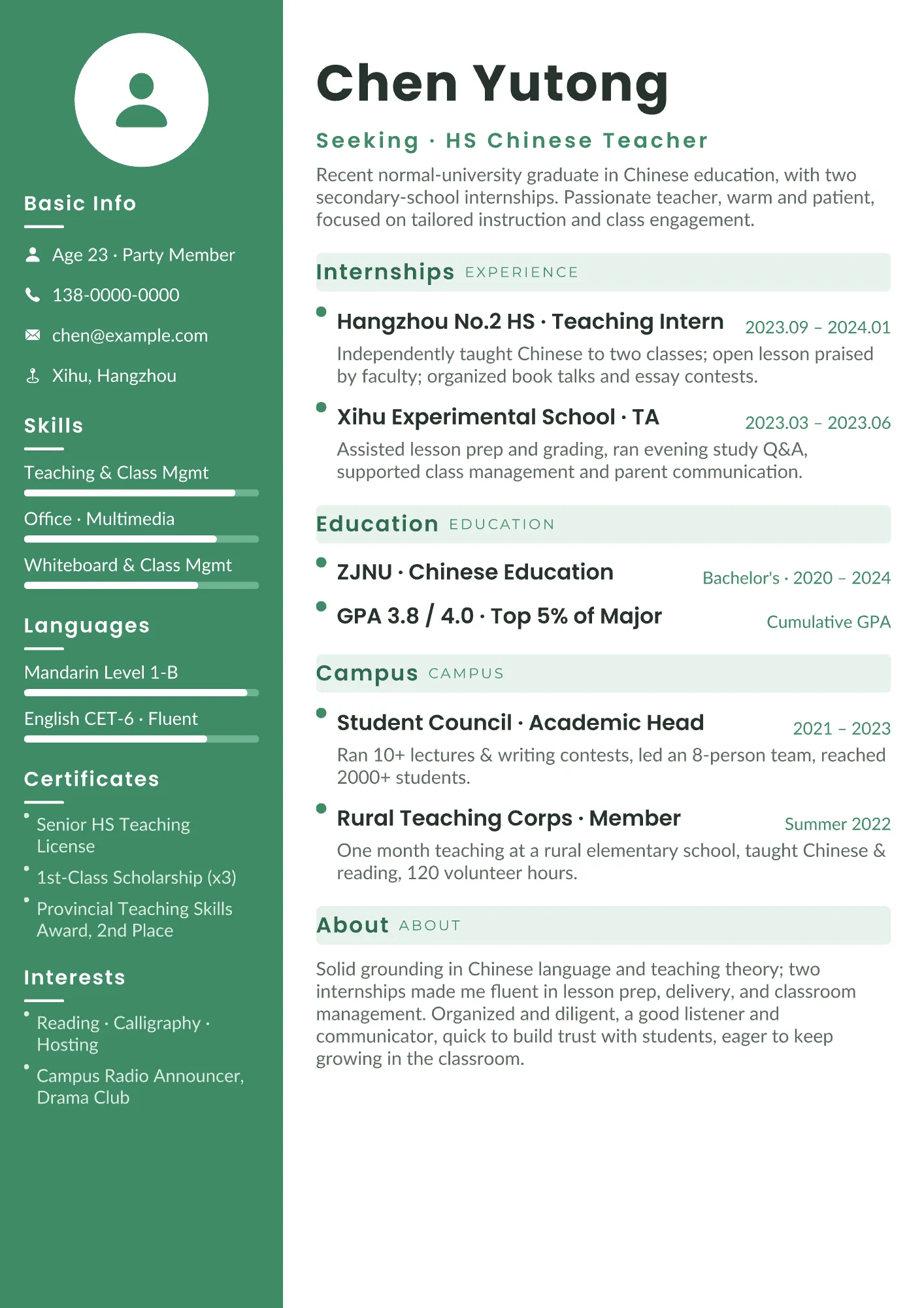
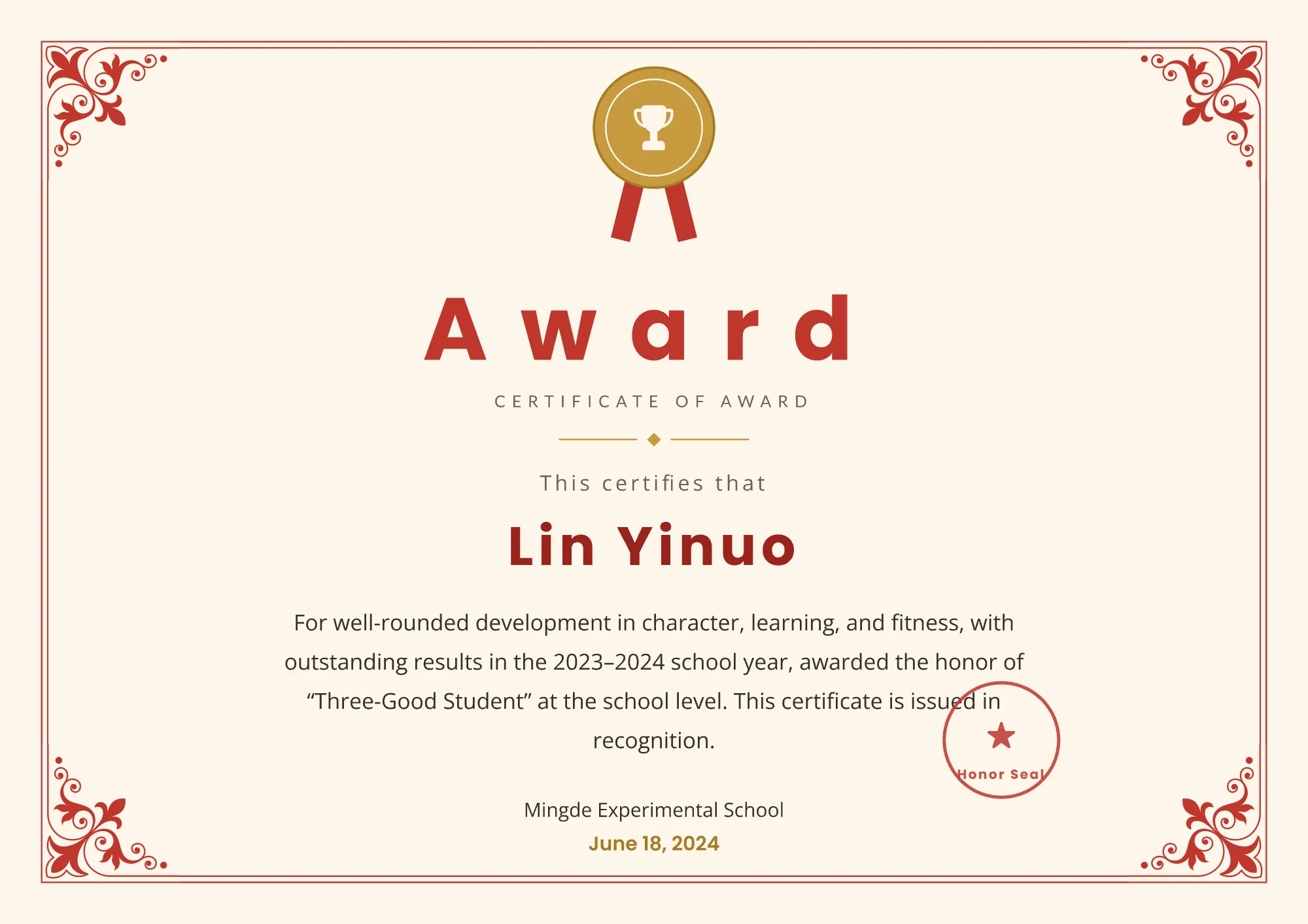
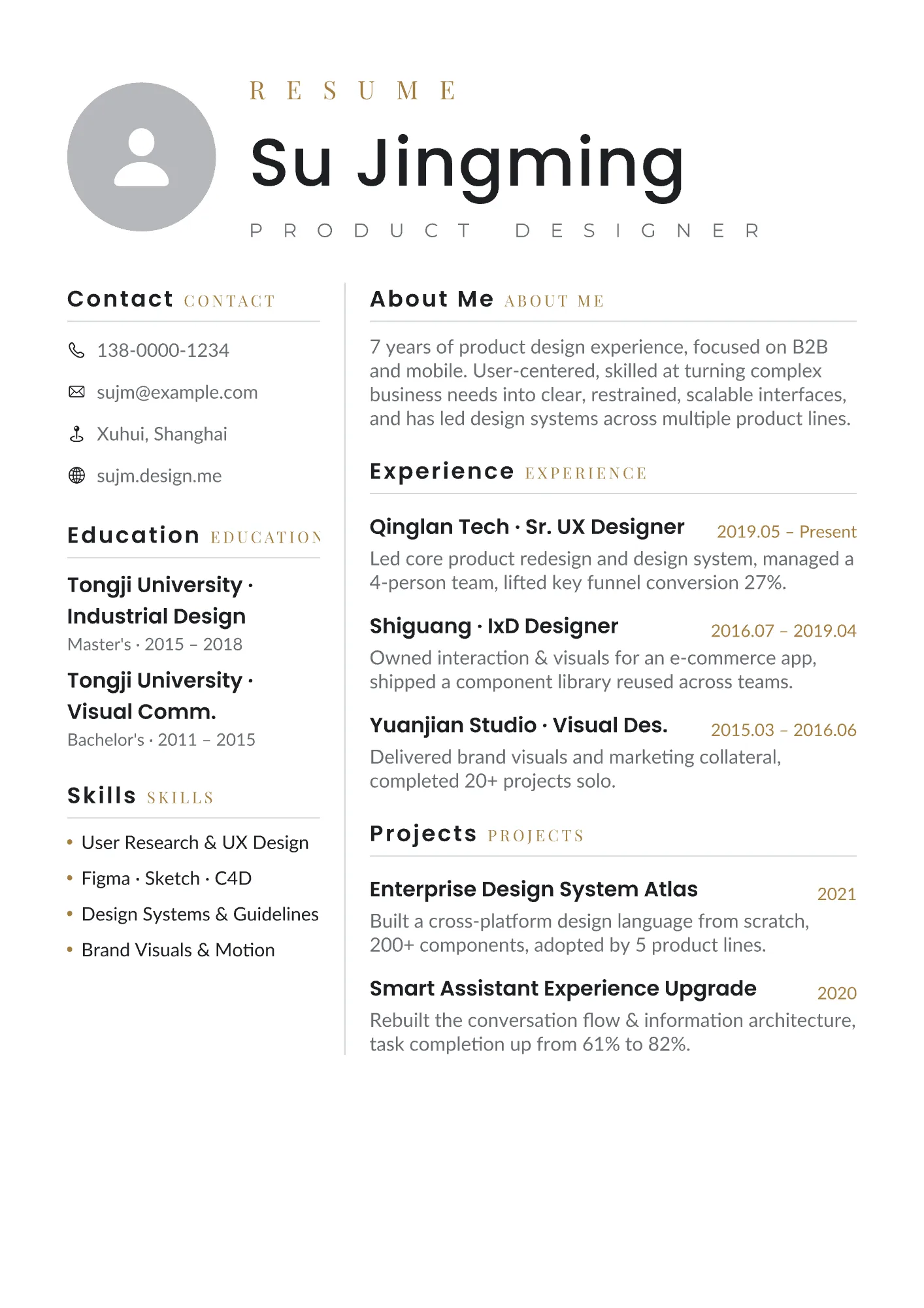
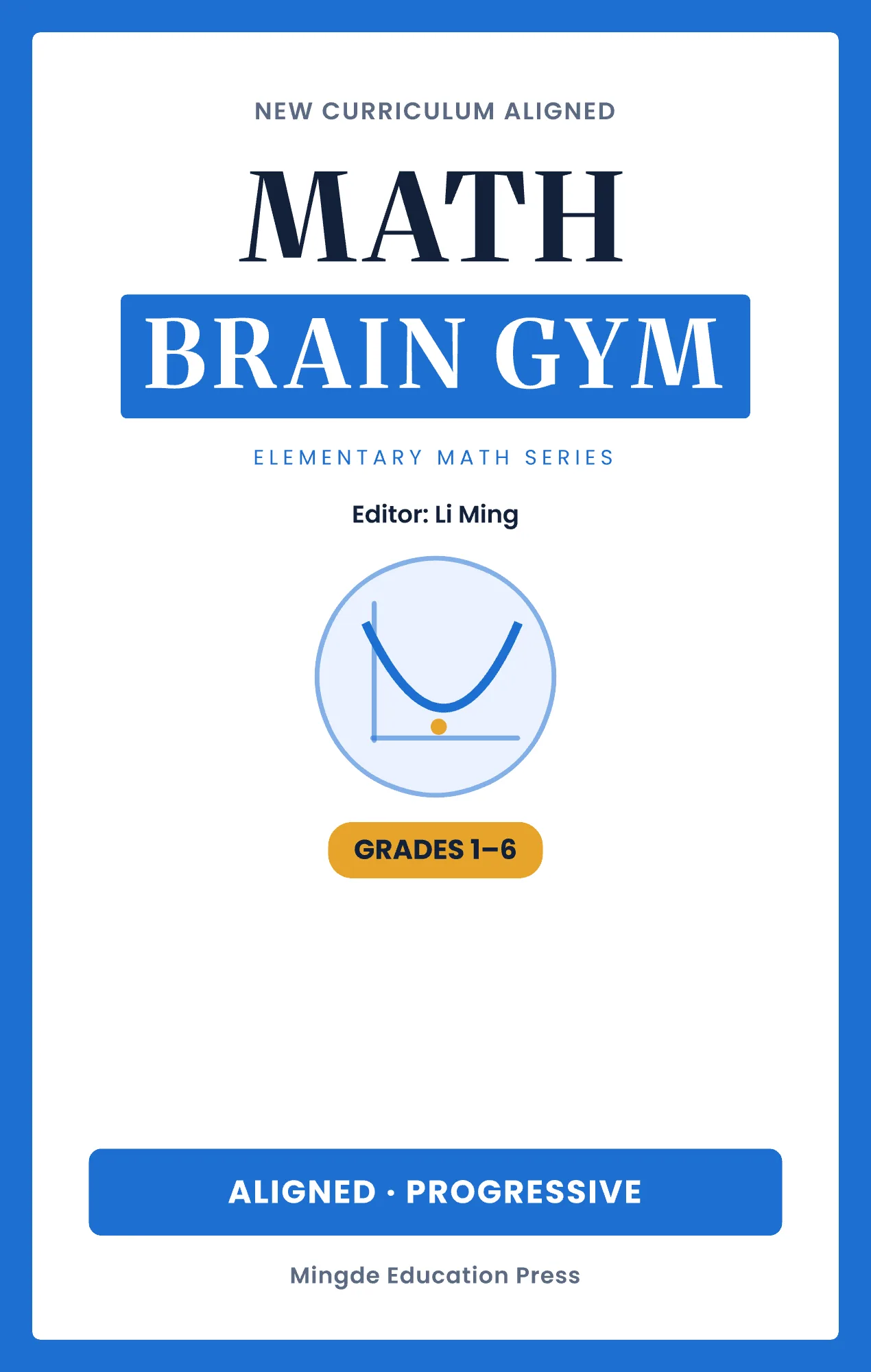
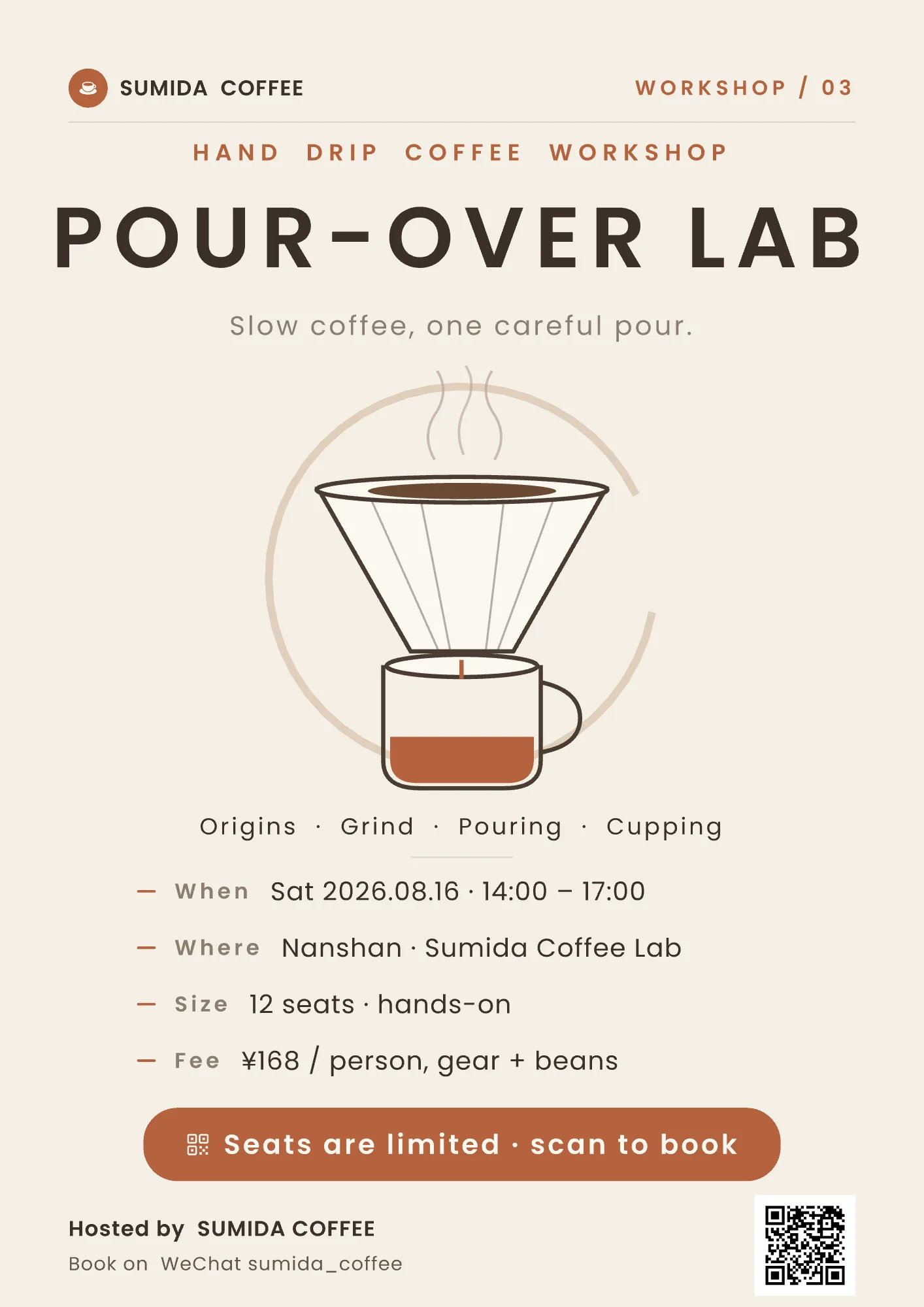
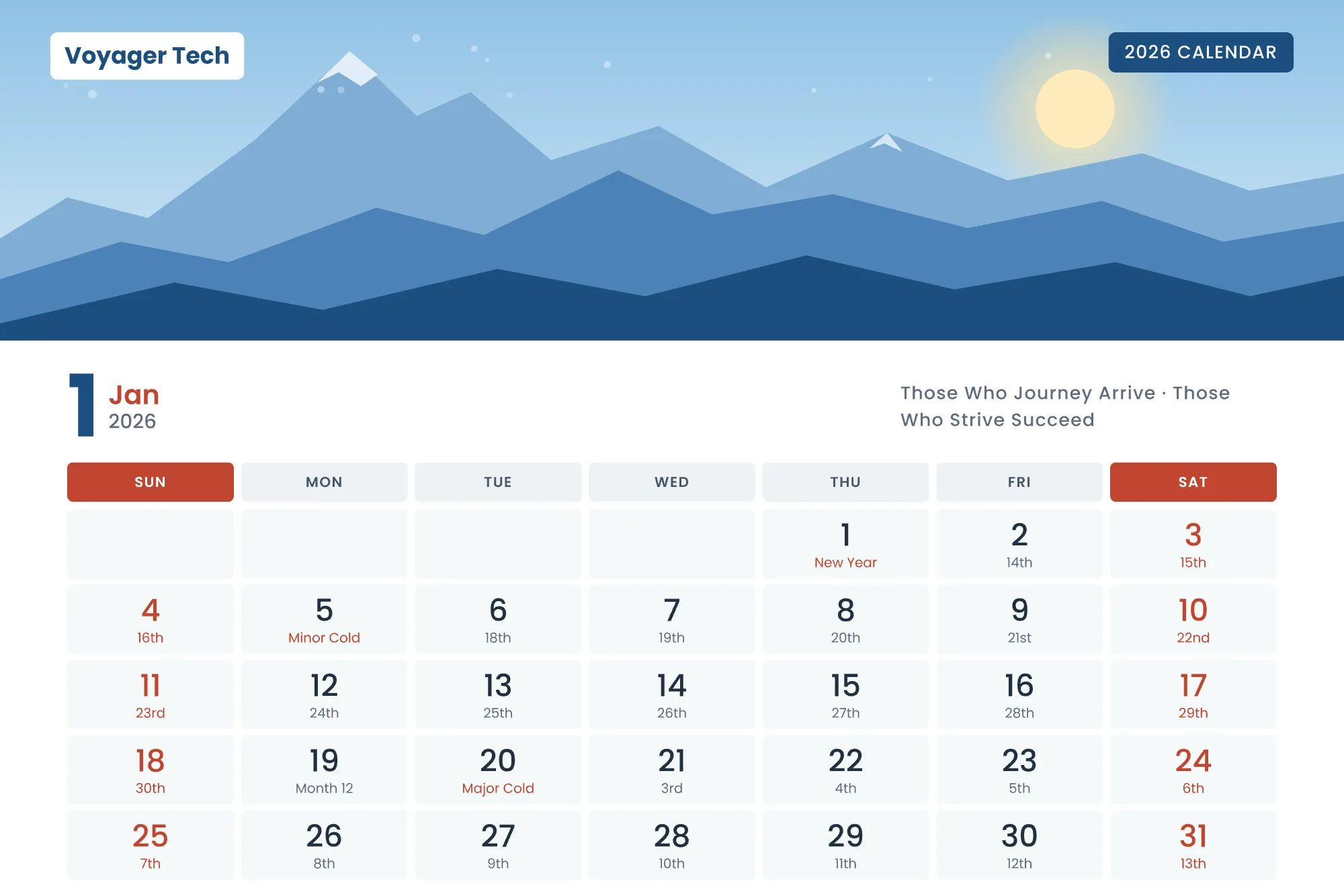
  • One sentence gets you posters, flyers, business cards, menus, coupons, social posts, slides, landing pages, resumes, icons…
  • When the brief is vague, the AI asks and offers options instead of guessing for you
  • It remembers your taste and your brand — the more you use it, the better it knows you
  • Everything arrives as editable vector objects: refine by chat, or polish by hand
2

Not random layouts — AI that understands design

  • Built-in, per-category design craft: composition, visual hierarchy, typography and color
  • It thinks through content, key visual, palette and background — instead of piling elements up
  • Need atmosphere? Blend in AI-generated backgrounds while the layout stays editable
3

Change once, update everywhere

  • Reusable components & symbols: edit one master, every instance follows
  • Color, text and effect styles managed like a design system — change once, applied everywhere
  • Auto layout (vertical / horizontal / stack) keeps compositions stable when content or canvas changes
  • One design, many sizes: app icons, covers, social posts and launch screens in one go
4

A serious vector editor — not a toy

  • Fills: solid, gradient, mesh gradient, pattern tile, image fill with 9-slice, vector borders
  • Effects: shadow, blur, noise, Liquid Glass
  • Elements: text, shapes, icons, emoji, scannable QR codes
  • Curves: Bézier, smoothing, corner rounding and boolean ops — X / C / V shortcuts for anchors, corners and snapping
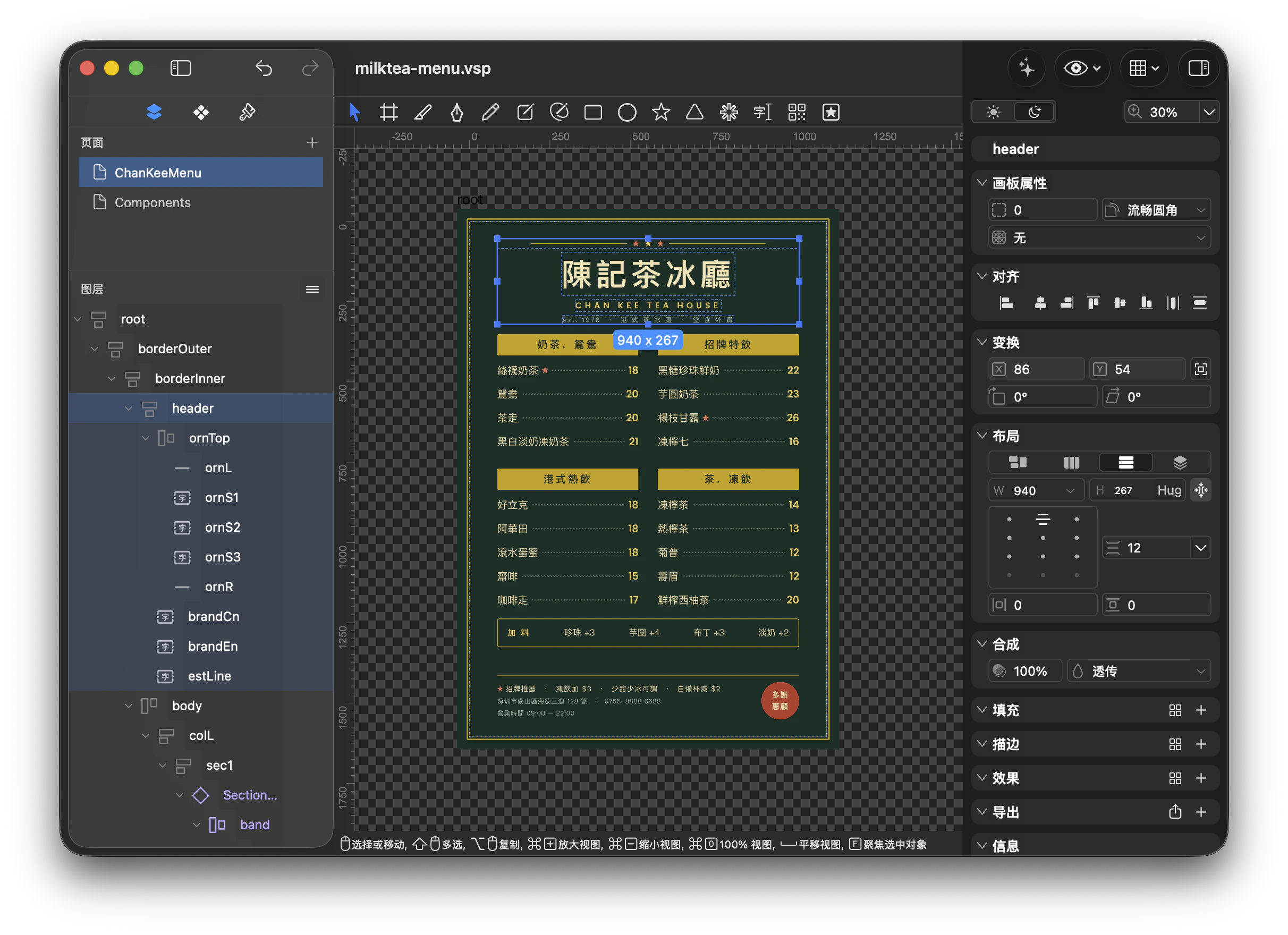
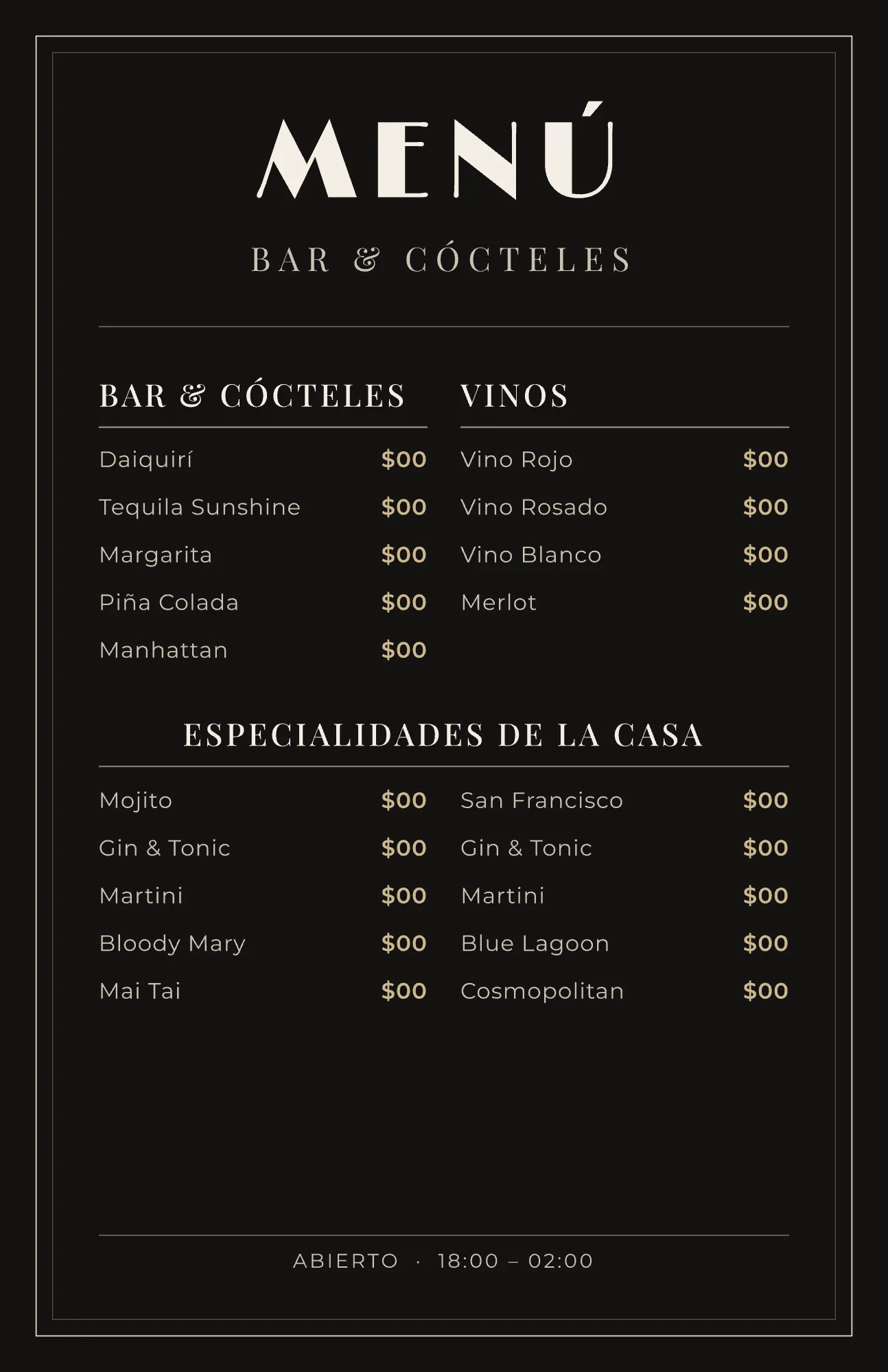
VectorShop editor: layer tree, canvas, and inspector, editing a tea house menu design
04Formats

Bring it in, ship it out

Bring it in

  • Import PSD, SVG, Sketch, PNG, JPEG — PSD keeps its layer structure where possible
  • Multi-page documents

Ship it out

  • Export SVG, PNG, JPEG with multi-size & icon presets and proper color management
  • Copy as SVG / PNG in one click
05Who

Who it's for

01

Indie developers

App icons, store assets, UI graphics and promo images, fast

02

Designers

Use AI for direction, keep every bit of professional control

03

Content & marketing

Headlines, event info, every platform size, always editable

04

Small teams

Steady, editable visuals without a dedicated designer

06Pricing

The editor is free. Pro unlocks the AI.

The full vector editor is free — not a timed trial, no watermarks. Pro unlocks the AI design features, by subscription or a one-time purchase.

Free

Free
$0 free forever
  • The complete vector editor — nothing crippled, no watermarks
  • Every fill, effect, curve and boolean operation
  • Components & symbols, all three style systems, auto layout
  • Import PSD / SVG / Sketch, export SVG / PNG / JPEG

Pro

Pro
$2.99 and up · 7-day free trial
  • Monthly$2.99 / mo
  • Yearly$19.99 / yrSave 44%
  • Lifetime$29.99 once
  • Design by chatting — refine as you go
  • Generate a whole design with AI
  • AI image generation and template auto-fill
  • Turn a reference image into editable vectors

Pro unlocks the AI design tools — it does not include AI usage credits. Generation runs on your own model API key, added in Settings › Intelligence.
Prices shown are US App Store prices; other regions follow Apple's equivalent price tiers. Subscriptions can be cancelled anytime.


07FAQ

Frequently asked questions

Q1How is VectorShop different from other AI image tools?
Most AI tools hand you a bitmap you can't touch. VectorShop hands you a beautiful, finished vector design: layers, text and styles all editable — keep refining without re-generating.
Q2I'm not a designer. Can I use it?
Yes. Describe what you need in chat; if the brief is unclear the AI asks. Composition, hierarchy and color are backed by built-in design craft.
Q3Which formats are supported?
Import PSD, SVG, Sketch, PNG, JPEG. Export SVG, PNG, JPEG with multi-size and icon presets.
Q4Can I use the designs commercially?
Yes. Designs you create in VectorShop are yours to use for personal or commercial purposes — no watermarks, no attribution required, no extra licensing fees.
Q5How is the AI priced?
Two separate things, and it matters: Pro unlocks the AI tooling ($2.99/mo, $19.99/yr, or $29.99 once — subscriptions include a 7-day free trial). The AI compute is yours — add your own model API key under Settings › Intelligence and generation runs on your own credits; we don't resell them or take a cut. The vector editor itself stays free.
Q6Which devices are supported?
Mac (macOS 15.0 or later), available on the Mac App Store.
Now available

Make every image editable.